
Proposal PDF generator
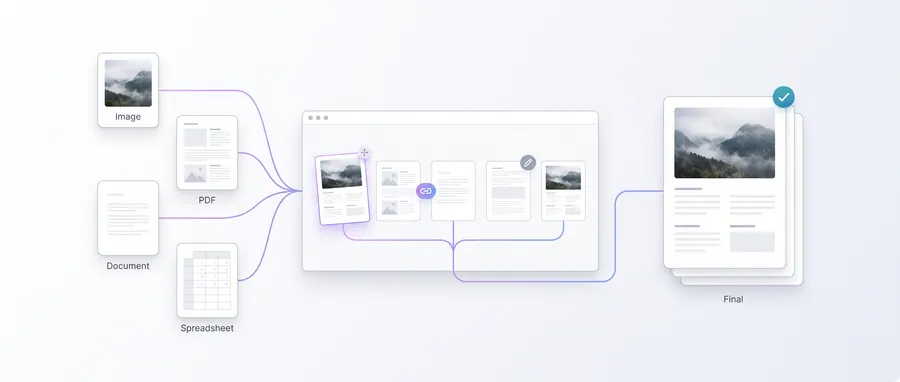
Build a branded project proposal with a summary, scope sections, fee estimate and timeline — then download a paginated PDF, all in your browser.
- No upload — processed on this device
- No account needed
- Free to use
Proposal details
Output name: proposal-[ref].pdf
Scope sections
Up to 8 sections. Empty sections are skipped in the PDF.
Fee and timeline
Produces a paginated proposal PDF completely in your browser — nothing is uploaded.
Keep going
The natural next step
The details
How it works and what to expect
How it works
- Enter your business details, the client, reference number and date.
- Write the project summary and add scope sections with headings and body text.
- Add the fee estimate and timeline, then create the proposal PDF.
Pagination
Content flows onto as many pages as it needs. Empty sections are skipped so partial drafts stay clean, and the output file is named from your reference number.
Privacy
The proposal is assembled locally. Your content never leaves this device.
Practical guidance
Using this tool well
When it is the right answer, what tends to go wrong, and what to check before you rely on the result.
Why use it
A proposal explains what you will do, what it costs and when — in a document a client can forward to others. Producing it as a paginated PDF keeps the discussion anchored to one artefact.
Typical situations
- A client wants scope, price and timeline in writing before approving work.
- You are pitching and need something more considered than an email.
- Several stakeholders must review the same terms.
Common problems
Sections overflow pages badly
Pagination is automatic, so very long sections can push headings to the next page. Keep section text tight and re-generate to see how it breaks.
The fee and the quotation differ
Figures are what you typed. Reconcile against any quotation you sent so the client sees one consistent number.
It reads as a contract
A proposal is an offer, not an executed agreement. Once terms are accepted, produce the contract document.
Check before you submit
- Read the whole PDF as a first-time viewer would.
- Confirm the fee, timeline and contact details.
- Confirm pagination breaks sensibly between sections.
Guided
This tool inside a workflow
A ready-made sequence that solves a whole job — this tool is one step in it.