
Freelancer business document workflow
Proposals, contracts, signatures, invoices and client packs — the paperwork side of freelancing, produced locally with tools built from your own data.
- Freelancer
- Small Business
The journey
Follow it step by step
3 guided steps, every one running in your browser. Start with the first and work your way down.
Step 1 of 3Start here
Win the work
Present a tidy Portfolio PDF and send a Proposal PDF that names the client and scope. Manage the price with Quotation Generator before work starts.
Step 2 of 3
Lock it in
Generate a Freelance Contract, create a signature with Signature Maker, and sign the PDF with Sign a PDF.
Step 3 of 3
Deliver & invoice
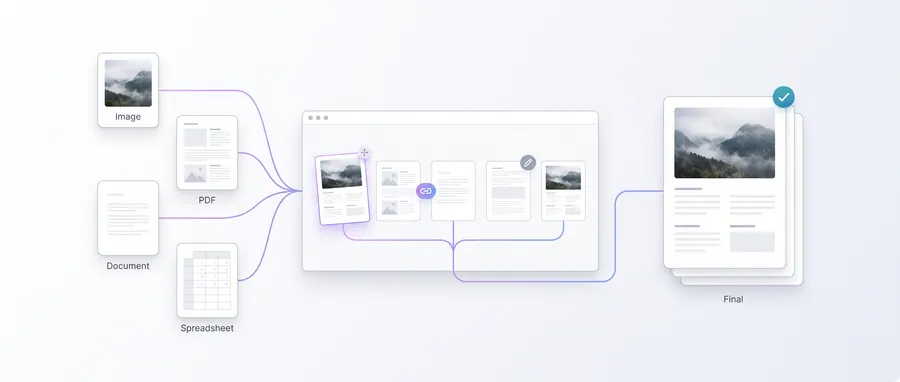
Assemble client deliverables with Client Document Pack (a branded cover plus your files), pack loose files with Submission Pack, and invoice with Invoice Generator.
Frequently asked questions
Are the contract templates legally binding?
They produce a documented agreement based on what you fill in; a contract is only as good as the terms you agree with your client. For significant matters, have draft contracts reviewed professionally.
Can I sign without an account?
Yes — Sign a PDF and Signature Maker run entirely in the browser with no account and no upload.
Do revenue documents include tax?
The generators calculate what you enter, including the tax rate you set. Your tax position is your responsibility — the tools calculate figures, not obligations.