
Student study & assignment toolkit
Turn notes into a PDF, shrink scans for an upload limit, and keep hand-ins tidy: a small set of student tools that do real work on your own device.
- Student / Education
- Office / Documentation
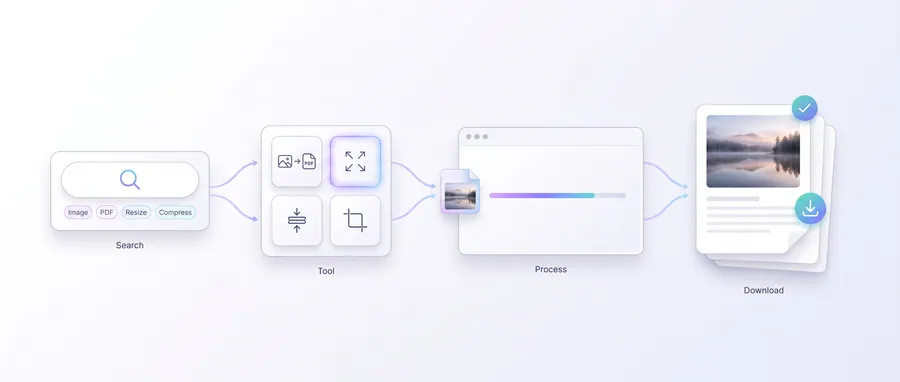
The journey
Follow it step by step
3 guided steps, every one running in your browser. Start with the first and work your way down.
Step 1 of 3Start here
Compile notes & hand-ins
Compile handwritten or photo notes into a PDF with Notes to PDF. When a submission must stay under a file-size cap, run every scan through Assignment Compressor to shrink to a max edge and quality while keeping PDFs unchanged.
Step 2 of 3
Work inside existing PDFs
Extract the text from lecture PDFs with PDF to Text, or split, merge and convert pages with the PDF toolkit before printing or submitting.
Step 3 of 3
Submit neatly
Submission Pack renames and numbers files into one tidy ZIP for portals and email hand-ins.
Frequently asked questions
Does PDF to Text do OCR?
PDF to Text reads selectable text already inside the PDF, and you can switch on OCR in its settings to read scanned pages on your device too — see the PDF to Text page for details.
Can I shrink file size below a stated limit?
Assignment Compressor targets a max edge and quality and shows the resulting size, so you can iterate until the hand-in fits the limit.
Are my assignments uploaded anywhere?
No. All processing happens in the browser on your device.