
Cyber café & service centre workflows
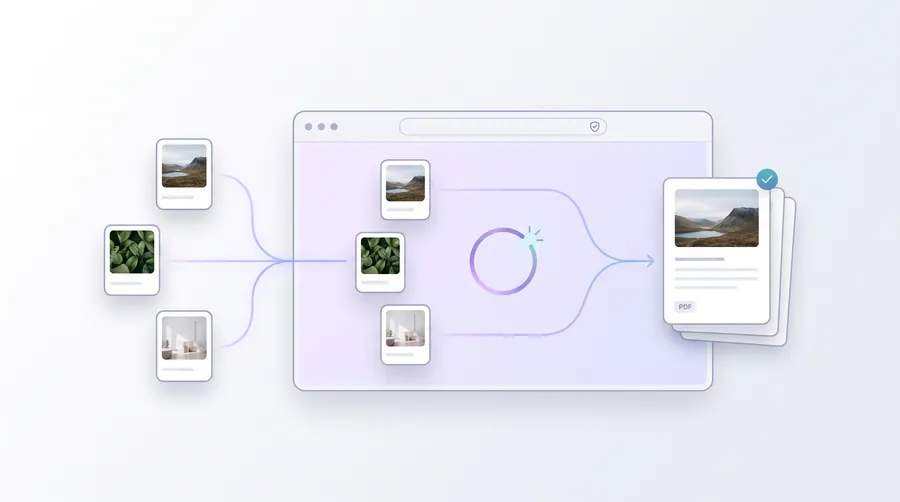
The tools a cyber café or online service centre runs all day: print customers' passport and ID photos, prepare documents for printing, combine application pages, and keep the queue moving without uploading anyone's files.
- Cyber Café / Online Service Center
- Printing / Scanning
invoice.pdf
Your fields, filled in locally
The journey
Follow it step by step
4 guided steps, every one running in your browser. Start with the first and work your way down.
Step 1 of 4Start here
Photo print jobs
Customers usually need exact-size photo sheets. Pick the right creator (passport, visa or ID), crop the face, and download a printable sheet. Use Exact KB / Exact Size when an online application demands a specific file size, and White Background / Document Filter when the photo or scan needs cleaning before printing.
Step 2 of 4
Printing & paper setup
For photo prints use Photo Sheet or Photo Print Layout; for single photos enlarged to A4 use A4 Print Sheets. Document Print Prep cleans scans for laser printing and DPI Checker verifies the resolution is print-safe before the job starts.
Step 3 of 4
Application & document packing
When a customer arrives with photos and PDF scans for one application, combine everything in order with Application Document Pack, or merge/paginate with the PDF tools first and pack afterwards.
Step 4 of 4
Signature services
For customers whose forms need a signature image, resize the signature to the requested profile (often 3.5 × 1.5 cm) with Signature Resizer and drop it onto the form with Sign a PDF.
Frequently asked questions
Do these tools need an internet connection for processing?
All files are processed on the device you are using. Nothing is uploaded to a server, so the tools keep working even on a slow or intermittent café connection.
Are the passport photo sizes official?
The photo creators offer common starting sizes, not official specifications. Confirm each requirement with the issuing authority — the tool does not validate against official rules.
Can I print photo sheets directly?
Yes. The photo and print layout tools produce a PDF on your chosen paper size (default A4). Print at 100% scale with your printer set to actual size, never shrink-to-fit.